
PRESS KIT
KarmaDisk for Mac
Reclaim disk space with lossless image compression, easy cleanup wizards and tools for organizing scattered photos.
KarmaDisk is a native Mac app by Christopher Naas in Norway. Version 1.2.0 is available on the Mac App Store as a free download with an optional one-time Full Version purchase.
The short version
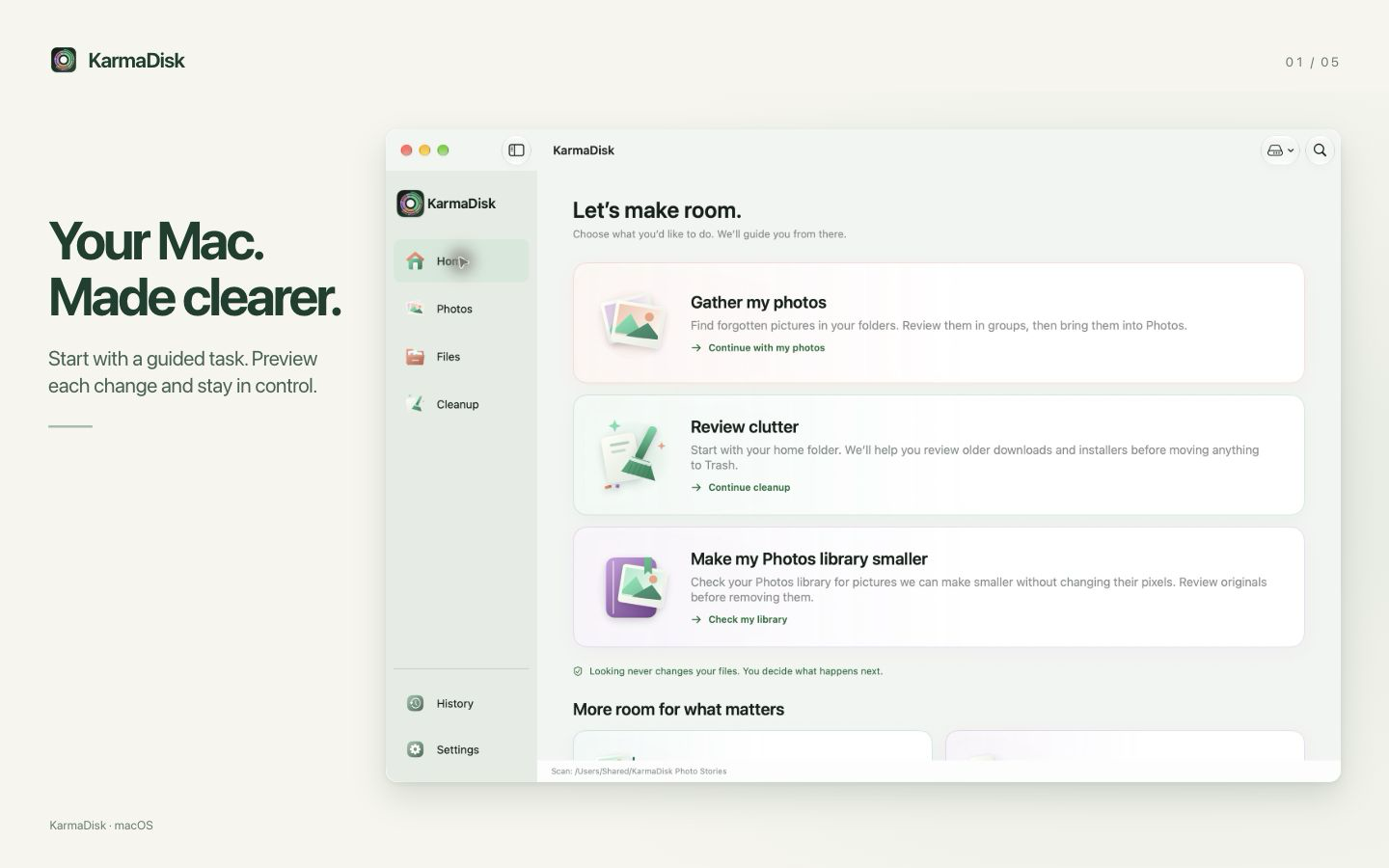
KarmaDisk helps Mac users understand their storage and organize their photos. Guided tasks lead users through colorful storage maps, identical-file review, lossless compression for supported images, and importing scattered pictures into Apple Photos. Original-file removal is a separate, verified step under the user’s control.
Facts at a glance
- Current release
- 1.2.0 · macOS 15 or later · Mac App Store
- Price
- Free download. Full Version is an optional one-time purchase: $9.90 in the US, with local pricing shown by Apple. Earlier paid customers keep full access.
- Free and paid features
- Storage maps, duplicate review and cleanup are free. Photo processing includes a lifetime sample of 50 photos (videos also count). Full Version unlocks unlimited photo processing and automatic file organization.
- Privacy
- No KarmaDisk account, advertising or tracking. File analysis runs locally. Apple services handle purchases and Photos access; iCloud originals may need downloading.
- Compression scope
- Supported JPEG, PNG and TIFF images. Photos-library optimization excludes HEIC, RAW, Live Photos, videos and edited images. JPEG XL is a separate optional conversion workflow with compatibility limits.
- Access
- The App Store app uses the macOS sandbox. Users choose folders to grant access and authorize Photos access separately. Protected system and application data are outside its scope.
Use these screenshots
These are current app screenshots using licensed stock photography. You may use the screenshots and KarmaDisk icon to illustrate editorial coverage of KarmaDisk. The underlying stock photographs are not supplied as standalone reusable assets. Captions describe features, not measured savings for a typical customer.
- Your Mac. Made clearer. — PNG, 1440 × 900
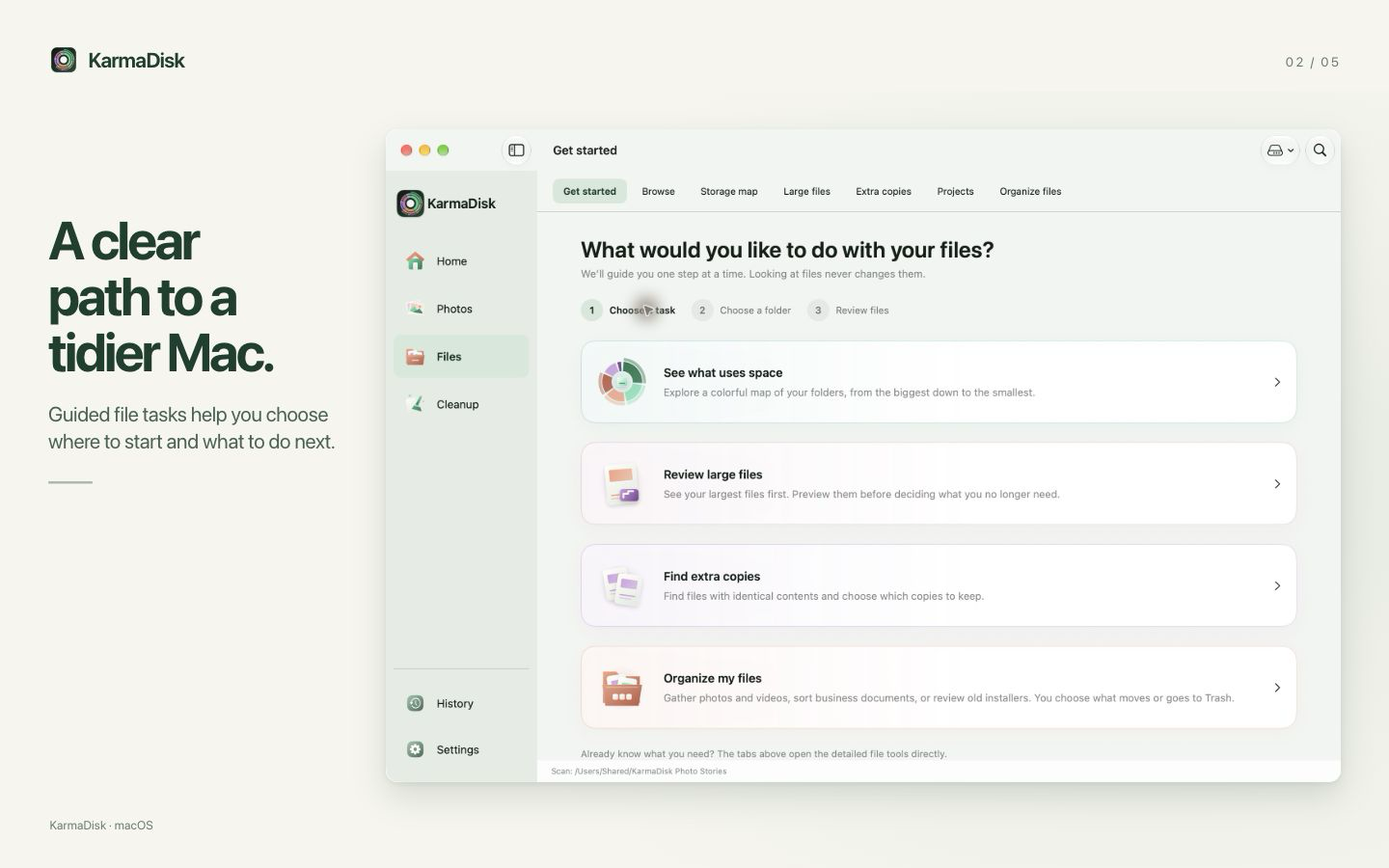
- A clear path to a tidier Mac. — PNG, 1440 × 900
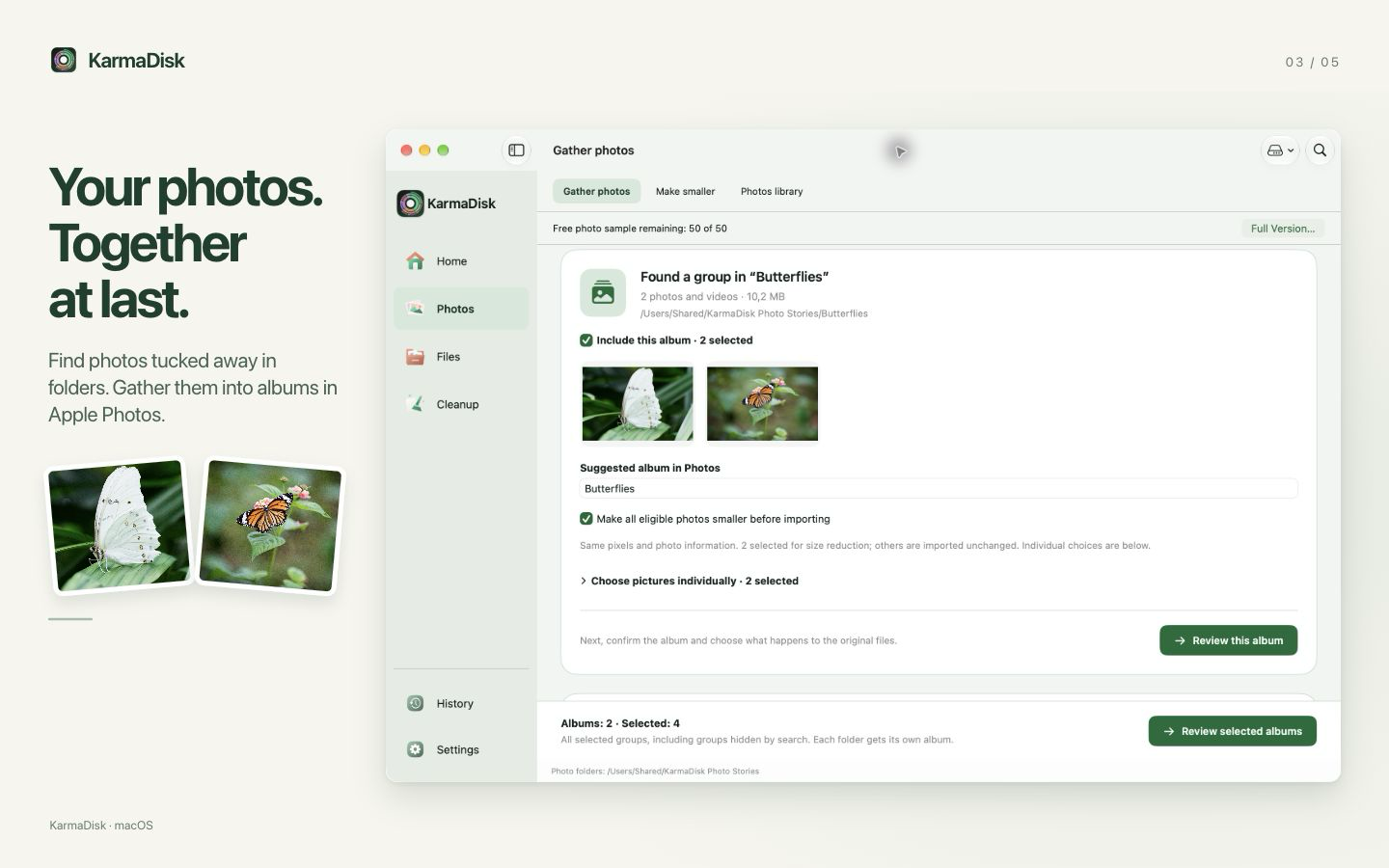
- Gather scattered photos into Apple Photos albums — PNG, 1440 × 900
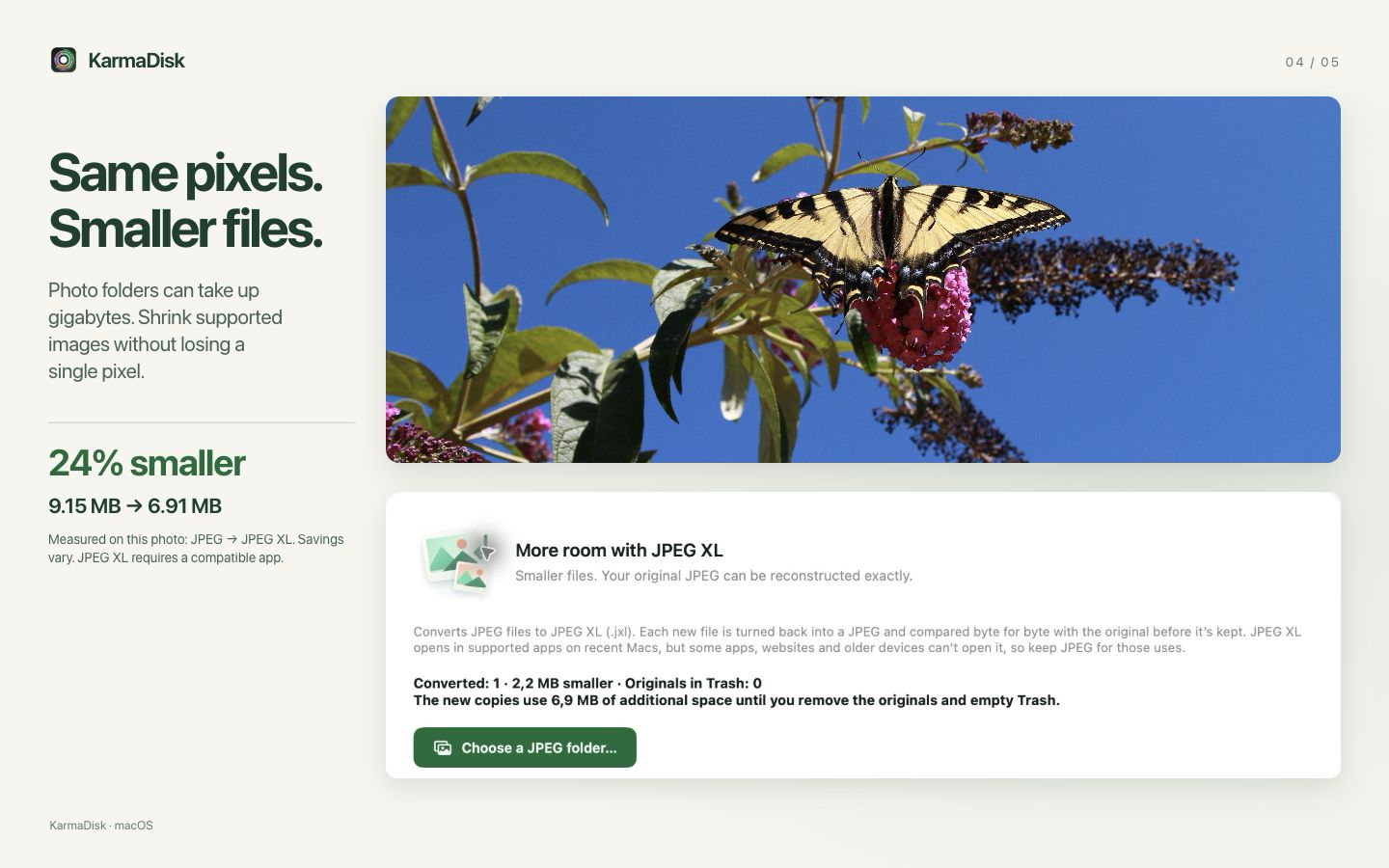
- Make supported images smaller without losing image quality — PNG, 1440 × 900
- See where your space goes — PNG, 1440 × 900
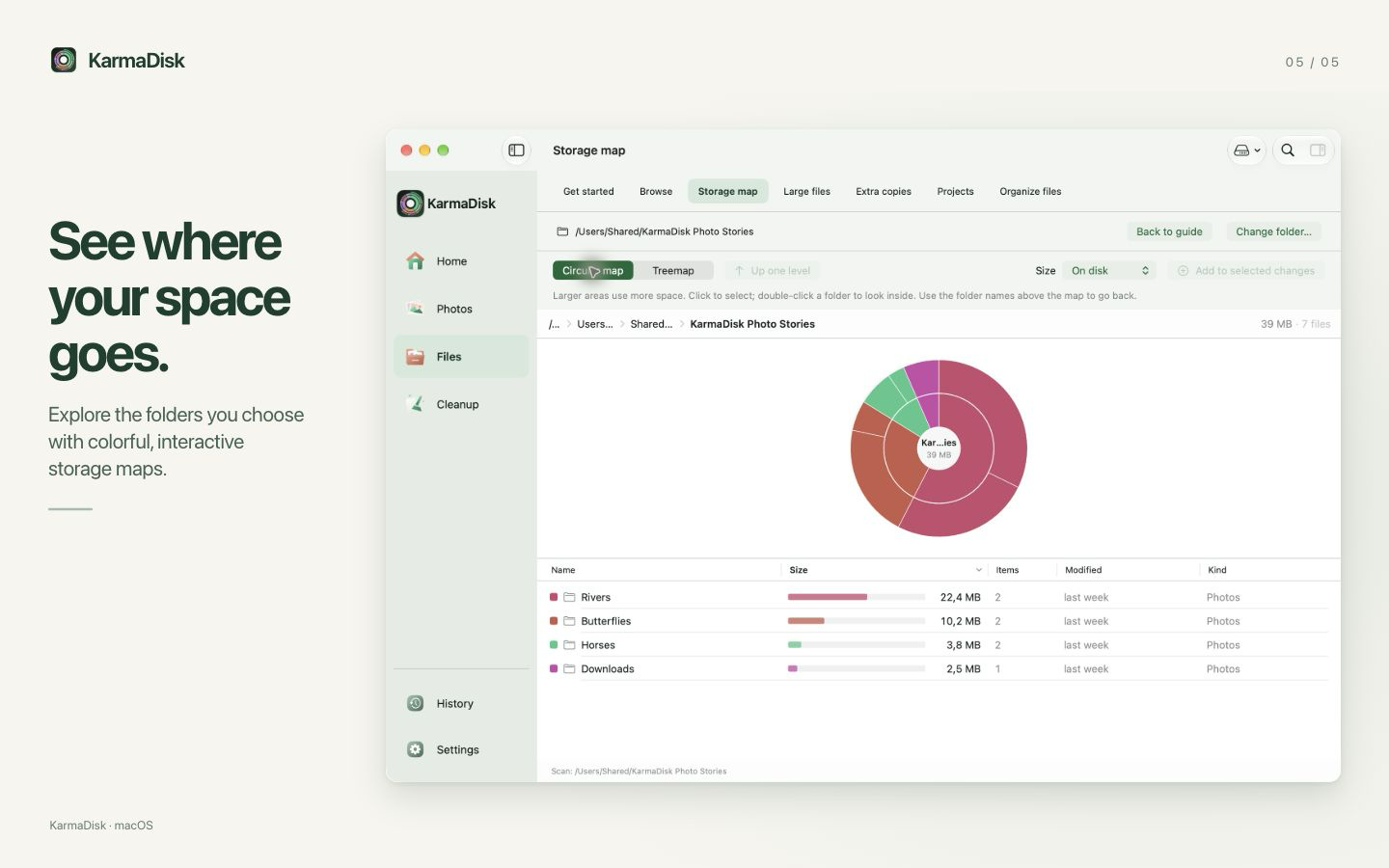
The ZIP includes five screenshots in presentation order, the icon, a fact sheet, suggested captions, photography attribution and the exact measurements behind the JPEG XL example.
A useful angle for your readers
What needs checking before an original photo can be removed? Our illustrated explanation includes a reproducible JPEG XL example and separates lossless image verification, byte-exact JPEG XL reconstruction and Photos-library metadata. It also explains why a smaller file does not always mean immediately available space.
Review access and contact
For Full Version review access, screenshots or written questions, contact Christopher Naas at chris@naas.no. Review access is offered without any obligation to publish or to write positively. We do not pay for reviews.